
Still running sales on spreadsheets?
The spreadsheet that “worked” usually fails on a busy day — not a quiet one.
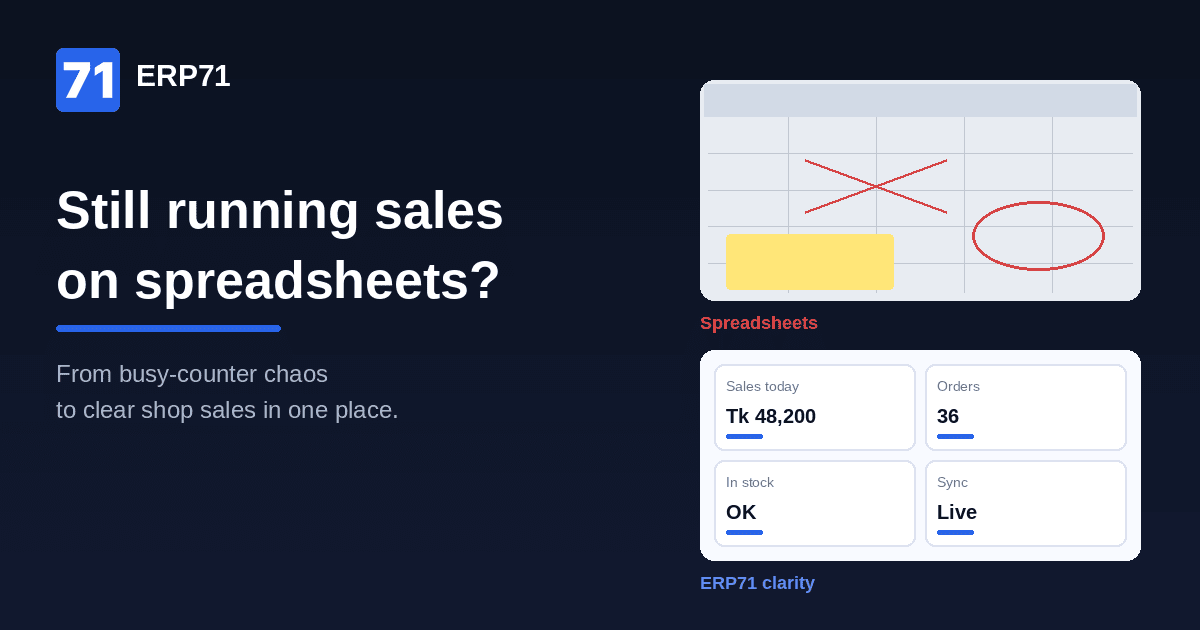
The spreadsheet that “worked” usually fails on a busy day — not a quiet one.
Two cashiers. One shared file. A festival week. Someone sells from last night’s download while the other updates a newer tab. By evening the sheet says you have stock. The shelf says otherwise. You trust neither.
That is not a competence problem. It is what happens when a tool built for one person quietly becomes the operating system for a growing shop.
Why spreadsheets win early
Spreadsheets feel free. They are familiar. There is no license angst, no training week, no “system” to blame when something goes wrong.
For a single counter and a short list, that is often enough. You open the file, type the sale, glance at remaining qty, and close the laptop. Speed beats ceremony. Many solid shops start exactly there — and should.
The trouble is not that you used a sheet. The trouble is staying on it after the shop outgrew the mental model behind it.
Where sheets break for growing shops
Version chaos. The “real” file lives in WhatsApp. Or in Downloads. Or on the owner’s phone. Staff ping new copies all day. Nobody is sure which one is truth, so people keep a private backup “just in case.” Now you have three truths.
Sales entered late. Stock only updates w
The painful middle
From the outside the shop looks modern: a laptop on the counter, Excel open, maybe even a printed stock list. On the floor you are still flying blind.
Customers ask for a SKU. Staff check the sheet, then the shelf, then WhatsApp. Month-end becomes weekend archaeology — reconciling sales, cash, and “what we think we sold.” You feel busy. Visibility stays thin.
That middle is expensive. You paid for the appearance of control without getting a single source of truth for sales versus stock.
A lighter standard than “full ERP tomorrow”
You do not need to boil the ocean. You need a few non-negotiables that a growing shop can keep.
1. One place for the sale and the stock movement.
When something sells, qty should move with it — not in a separate file hours later. If sale and stock live apart, the sheet will always drift.
Discipline first — then tools that scale
Spreadsheets are a great launchpad. They are a poor air-traffic control system for a shop with more than one set of hands.
If stockouts and overstock already squeeze cash — we wrote about that here — a sheet that lags behind the counter makes both problems worse. Fix the habit: one truth for sale and stock, protect movers, clear sleepers. When memory and tabs stop scaling, tools like ERP71 are built for that next step — shop-floor clarity without pretending you need an enterprise rollout tomorrow.
Start this week by naming one file as the only sales+stock source — or admitting you already need something that updates with every sale. Either way, stop letting WhatsApp versions run the shop.
2. Protect top movers with simple reorder rules.
Your 20–30 best sellers deserve a floor and a reorder trigger. Everything else can wait. Memory fails first on the items that matter most.
3. Month-end that is not a dig.
Closing the period should be a review, not a reconstruction. If you cannot answer “what sold, what is left, what is aging” without hunting tabs, the process is the bottleneck — not your team.
These habits work on paper. They work better when the tool enforces them so the busy day cannot skip the update.hen someone remembers to type. A busy afternoon means the sheet lies until night. Reorders and “do we have it?” answers get made on stale numbers.
No aging, weak reorder points. Columns can hold qty. They rarely hold discipline: what moved this week, what has not moved in 90 days, when to reorder the top movers. Cash surprises show up as “we somehow have no money” while cartons still fill the back room.
Multi-counter / multi-outlet reality. Two tills, a second branch, or a helper who sells while you are at the bank — the sheet was never designed as a shared live ledger. It was designed as your notebook with formulas.
See it on your own shop's data. Book a free 15-min demo on WhatsApp: https://app.erp71.com/s/fzxra6